Time Zones
Written By Jack Taylor
Last updated Over 1 year ago
We have practitioners located worldwide, so your selected practitioner may not share your time zone. To ensure your bookings reflect the correct time for you, we recommend setting your time zone and remembering to update it if you travel across different time zones.
Editing your timezone in the platform
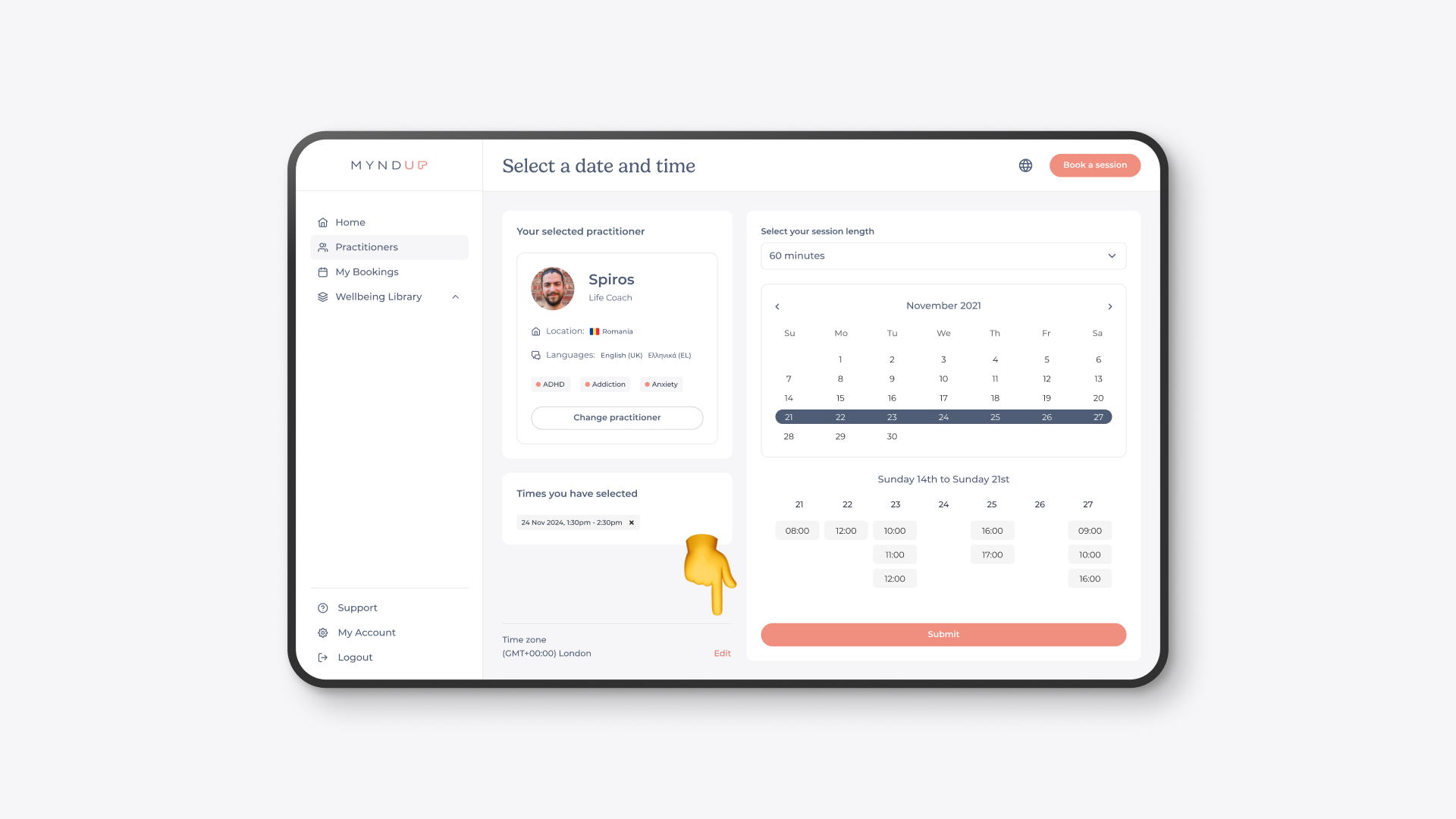
When viewing a practitioner's calendar, you can change the timezone by clicking the edit button. A pop-up will appear, allowing you to select a new timezone before confirming your booking.
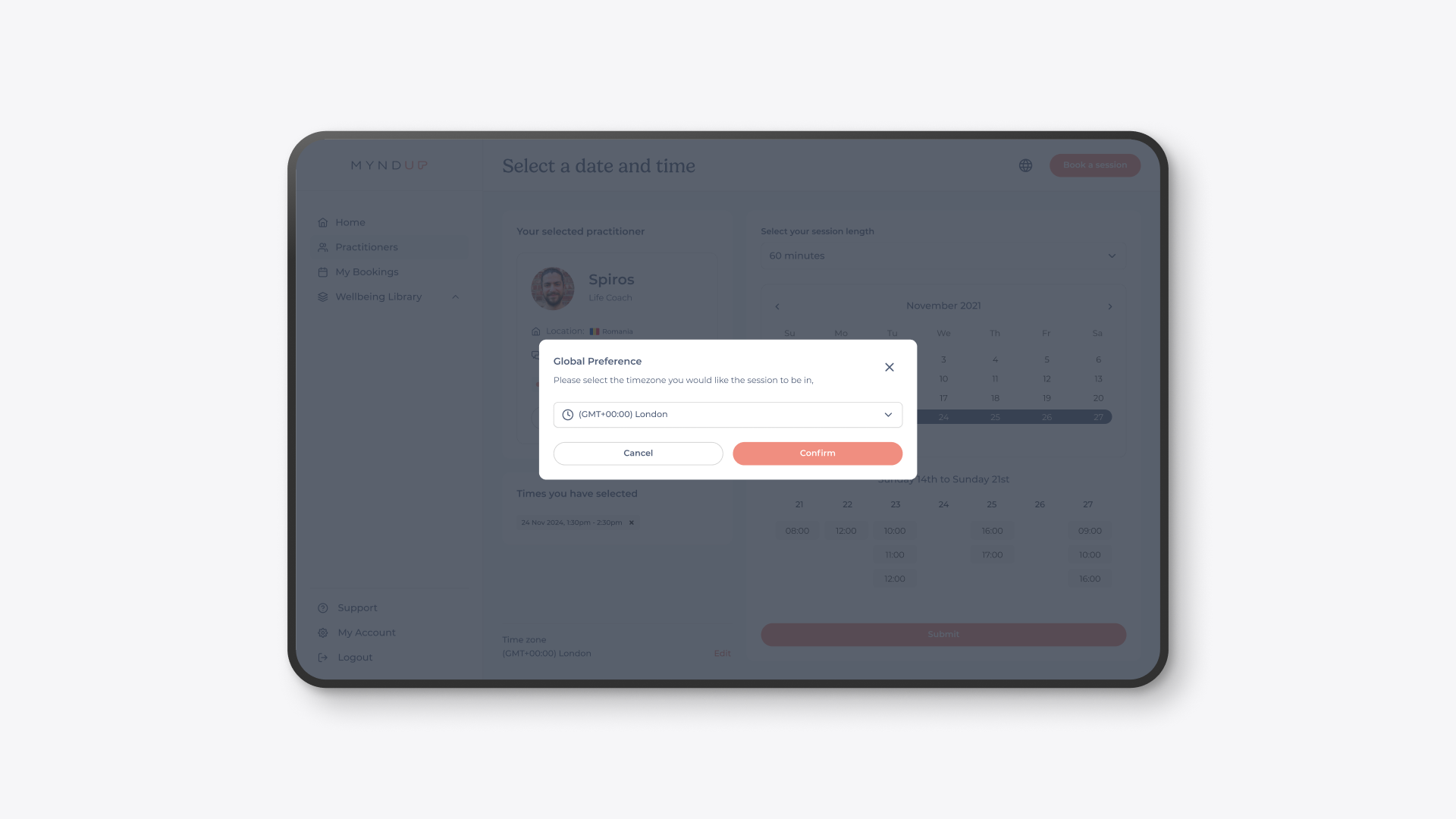
Remember to change your timezone back if you changed it whilst traveling
Was this helpful?
Still need help? Share an idea